Big Walk Accessibility, Motion Comfort & Challenge Skip
Host-side skip options, motion overlays, FOV, rebinds, and how text chat matches proximity voice rules.
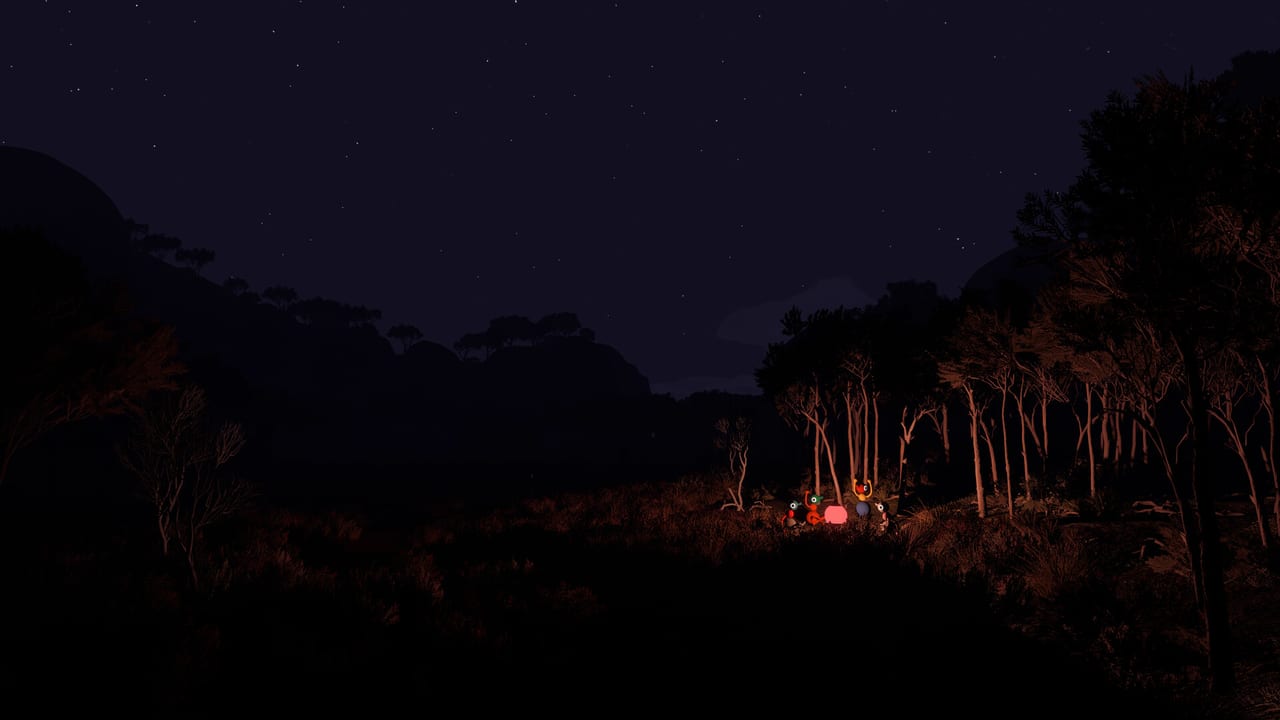
Big Walk is a proximity-chat co-op hike. Some challenges need hearing, reading, speaking, typing, quick reactions, or fine motor control. House House ships accessibility tools so parties can still finish the island when one friend cannot complete a specific puzzle. This guide covers challenge skipping, motion reduction overlays, FOV, rebinding, text-chat parity, and practical co-op habits — based on the official FAQ at bigwalk.game.
Pair with Proximity Chat for voice design, Challenges for spoiler-light puzzle habits, Controls Hub for inputs, and Hosting so the host enables the right session options before anyone leaves the gymnasium.
What Big Walk offers out of the box
Official accessibility features include:
| Feature | Where / who |
|---|---|
| Skip any challenge | Host enables in the accessibility menu when starting a session |
| Rebind all controls | Settings → Rebinding |
| Crosshair styles | Settings |
| Hold vs Toggle for some actions | Settings |
| Field of View (FOV) | Settings → Graphics (PC and Mac) |
| Motion Reduction overlays | Settings → General |
| Interactive-item highlighting tools | In-world items |
| Carry teammates | Core move — pick up and carry when needed |
Text chat follows the same distance and glass rules as voice. You can finish the whole game on text if microphones are not an option.
Challenge skipping (host setting)
Certain challenges require particular abilities — hearing or reading a clue, speaking or typing a callout, reacting quickly, or precise motor control. Big Walk lets the host turn on a session option that allows the group to skip any challenge that would otherwise be inaccessible.
How to enable it:
- The host opens the accessibility menu when starting the session (not only mid-hike).
- Enable challenge skipping for that world session.
- At a puzzle, use the in-game skip prompt when the party agrees the challenge is blocking someone.
Skipping is a party tool, not a solo cheat menu for racing. House House designed it for real access needs. Agree in lobby chat which puzzles you will skip so nobody feels ambushed when a skip sign appears.
Big Game / 100% cleanup: Skipping may help a managable run, but trophy hunters should confirm whether a skipped challenge still counts as complete for Endings and Purple Puzzles. When in doubt, return later with a different solver or a clearer accessibility setup rather than assuming skip equals cleared.
Motion sickness and comfort
First-person hiking can bother some players. Official advice:
- Turn on a Motion Reduction Overlay in Settings → General. Overlays add visual grounding that may reduce nausea.
- On PC and Mac, raise FOV in Settings → Graphics. A wider field of view often feels less tunnel-like.
- Prefer stable frame rates on the host machine — low host FPS can make other players look jittery and worsen comfort. See System Requirements.
- Take short breaks at overlooks; Big Walk’s design already includes hang-out downtime.
If one player needs to sit out a cliff section, others can carry them or wait at a named landmark with flares — Landmarks.
Playing without a microphone
You do not need a mic. Proximity text chat mirrors voice limits: far away or behind soundproof glass, text becomes unreadable the same way voice fades. Walkie-talkies and other tools still apply. Read Proximity Chat and practice gestures on Gestures & Arms before the first split path.
Same-room play is discouraged: hearing friends in real life bypasses the game’s communication puzzles. Separate rooms or headphones keep the design honest.
Rebinds, hold/toggle, and crosshairs
Every control can be rebound. If a friend cannot hold a trigger for long climbs or radio use, switch eligible actions to Toggle. Try alternate crosshair styles until aiming at buttons and laser marks feels stable. Console-specific layouts live under Console Controls and PC Controls.
Carry, highlighting, and co-op help
Characters can pick up and carry each other when a section needs a boost or a comfort break. Some world items highlight interactables — prioritize finding those early for players who struggle to spot switches in busy environments. Assign a “spotter” with binoculars and a patient “anchor” who stays at buttons — classic Big Walk role split from Tips.
Session checklist for mixed-ability parties
- Host enables challenge skip before loading the world if anyone might need it.
- Everyone sets motion overlays / FOV / rebinds on their own client.
- Confirm text-chat keys work for non-mic players.
- Assign one patient communicator who repeats landmark names clearly.
- Agree that skipping a puzzle is OK when access — not impatience — is the reason.
- Keep Version 1.4.8+ for quieter-mic volume fixes so voice players are not fighting launch-week calibration — Version 1.4.8.
What accessibility does not change
- Online-only co-op: you still need friends; there is no full solo campaign.
- Proximity range remains intentional design even after voice volume patches.
- External Discord still bypasses puzzle friction — House House strongly discourages it during play.
- Crossplay and Join Codes still follow Crossplay and Connection Fixes.
Related pages
- Getting Started — first-hour setup
- Challenges — how puzzles think
- Party Size — 2 / 3 / 4+ world choices
- Known Issues — residual audio and join checks
Accessibility in Big Walk is honest: some challenges are sensory by design, and the skip tool exists so friends can keep walking together. Enable it early, tune comfort settings, and treat the trail as a shared path — not a purity test.
Frequently Asked Questions
Quick answers to the most common Big Walk questions.
Who enables challenge skipping?
The host turns it on in the accessibility menu when starting the session. Guests cannot enable it alone.
Can I finish Big Walk without a microphone?
Yes. Proximity text chat follows the same distance and glass rules as voice, and tools like walkie-talkies still help.
What helps with motion sickness?
Try Motion Reduction overlays in Settings → General, and raise FOV on PC/Mac under Settings → Graphics.
Does challenge skip unlock Big Game automatically?
Do not assume skipped puzzles count as cleared for 100% / Big Game. Confirm with your party and return later if needed.
Can we rebind controls?
Yes. All controls can be rebound, and some actions support Hold or Toggle modes.