Big Walk Host Saves & Session Continuity
Understand who owns progress so your hiking party never loses trail unlocks between sessions.
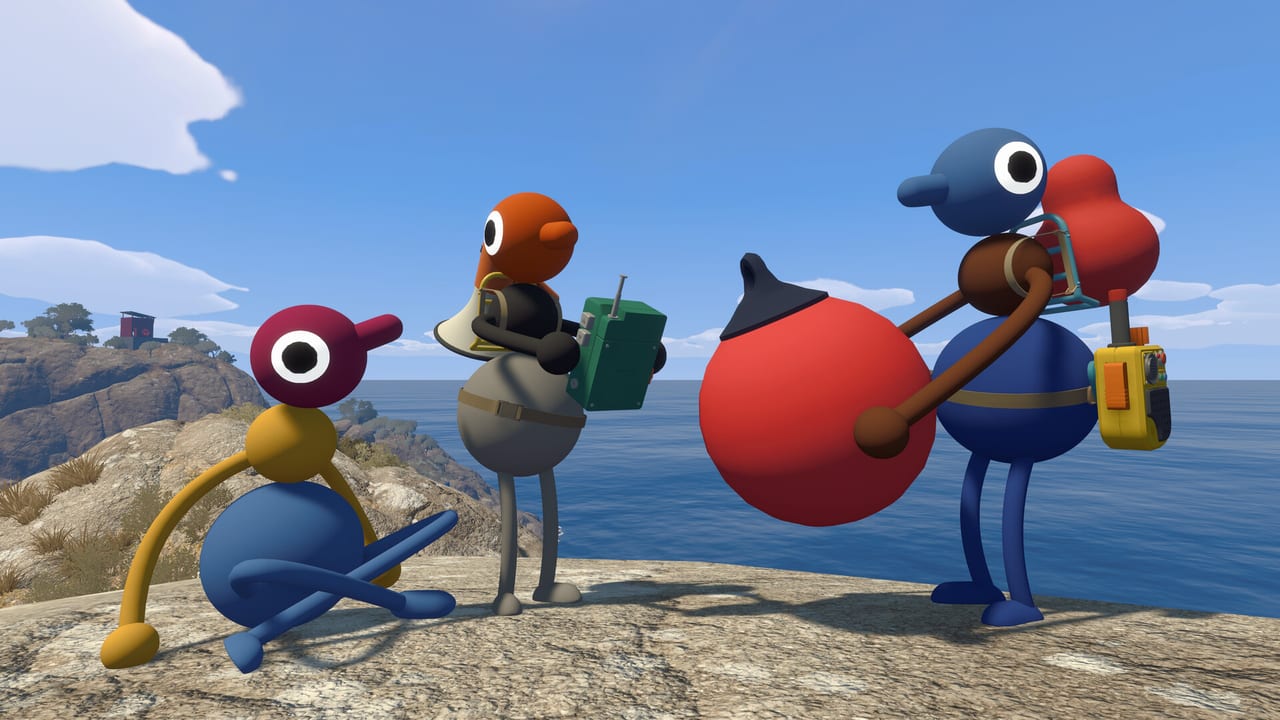
Big Walk is online co-op with a simple rule that catches many day-one groups off guard: the host owns the save. When you finish a session, unlocked trails, completed challenges, and persistent world state write to the host’s account—not to every guest who helped along the way. That design keeps crossplay lobbies manageable across Steam, PlayStation 5, and Nintendo Switch 2, but it also means save literacy separates smooth weekly hikes from fragmented progress scattered across three partial campaigns.
This guide explains hosting, joining, disconnects, rotation pitfalls, and practical schedules so your party treats save ownership as a plan, not an surprise after someone logs off.
What “host owns the save” actually means
When a player selects Host Game, Big Walk creates or continues a world tied to their platform account. Guests who join through invite codes, friends lists, or platform overlays participate fully during that session: they walk, solve puzzles, use tools, and celebrate summit screenshots. When the host ends the session or everyone leaves, progress commits to the host’s save file.
Guests do not automatically receive a mirrored copy of that world on their account. Joining the same host tomorrow continues the shared story. Joining a different host—or hosting your own fresh game—starts or continues a different timeline.
There is no offline solo progression loop that syncs guest achievements back into a host world. Big Walk assumes recurring groups coordinate around one primary host for a given playthrough.
Hosting your first session
If you become the designated host for your friend group:
- Pick the most reliable internet connection in the group. Host migration mid-campaign is not a casual feature you should plan around.
- Pick the platform everyone can join—Steam, PS5, and Switch 2 crossplay, but confirm PS Plus is active for PS5 hosts before inviting console friends.
- Launch Big Walk, choose Host Game, and note whether you are creating a new world or continuing an existing save.
- Share invites early so guests adjust audio settings before leaving the trailhead—see Proximity Chat Guide.
- Announce save ownership aloud so guests bookmark your gamertag, Steam friend code, or Nintendo friend ID.
Hosts carry social responsibility: you schedule sessions, communicate when progress saves, and avoid starting unrelated new worlds without telling regulars.
Joining as a guest
Guests should treat the host’s world like visiting someone else’s campsite:
- Confirm which save you are entering if the host runs multiple groups.
- Do not expect unlocks to follow you home when you host your own lobby later.
- Ask before inviting randoms mid-campaign—some puzzles assume trust and voice discipline.
- Leave session cleanly through menus when possible rather than force-quitting, which can disrupt autosave timing for everyone.
If you want personal progression on your account, you must host your own save—but your regular group may still play on the original host’s world for continuity.
Crossplay and save location
Crossplay connects Steam, PS5, and Switch 2 players in one lobby, but the save still lives on whichever platform account hosts. A Steam host stores progress on Steam cloud or local PC/Mac storage per Panic’s implementation; a PS5 host stores on PlayStation network saves; Switch 2 hosts store on Nintendo’s system.
Guests on other platforms cannot “pull” that save onto their storefront. If your weekly group relies on a PS5 host and they upgrade disks or wipe a console, coordinate backups or platform-specific save export options before disaster strikes.
Xbox is not supported at launch, so Xbox-only friends cannot host or join official crossplay lobbies.
Disconnects, crashes, and recovery
Online co-op for two to twelve players will see disconnects. Typical scenarios:
| Event | Practical outcome |
|---|---|
| Guest disconnects | Usually rejoin same session via invite; progress since last autosave persists on host save |
| Host disconnects | Session may end for everyone; progress typically rolls back to last stable autosave on host file |
| Host force-quits | Highest risk of lost last few minutes; treat as emergency only |
| Platform maintenance | Schedule hikes outside known outage windows |
Mitigation habits:
- Pause at natural checkpoints before real-life breaks so autosaves flush.
- Hosts use wired ethernet when possible on PC and PS5.
- Guests wait for host reinvite instead of immediately hosting parallel worlds that split the group.
- Communicate crash recovery in Discord or text even if you avoid Discord during puzzles—scheduling messages are fine.
House House may patch resilience post-launch; treat August 2026 behavior as host-dependent until official patch notes say otherwise.
Rotating hosts without losing progress
Some groups ask: can we rotate host each week for fairness? Mechanically, each host owns a different save. Rotating hosts means rotating timelines unless everyone accepts repeating content or skipping ahead off-record.
Better patterns:
- Primary host + backup host — Backup hosts their own casual sandbox; primary hosts the “canon” campaign.
- Chapter nights — Finish a major region on primary save before anyone experiments elsewhere.
- Alt-night label — Clearly call optional sessions “non-canon” so guests know progress will not carry.
There is no in-game merge tool for two host saves at launch. Plan accordingly.
Scheduling recurring hikes
Groups that stick together past release week benefit from lightweight calendar discipline:
- Same day/time weekly reduces “who was host again?” confusion.
- Host sends invites five minutes early for audio checks from Getting Started.
- End sessions at checkpoints listed on the map when possible.
- Post a one-line progress note after logout: “Unlocked ridge radio puzzle, need flares next.”
Consistent hosts turn Big Walk into a serialized hiking club instead of one-off tourism.
PS Plus, purchases, and guest access
PlayStation 5 hosts need PS Plus for online multiplayer. Big Walk joined PS Plus Essential on day one in many regions, which means some console players host or join without buying the title immediately—verify your store. Guests still need permission to join online sessions per platform parental controls.
Steam and Switch 2 players need the base game purchase (~$19.99 at standard pricing) plus Nintendo Switch Online where applicable for Switch multiplayer features.
None of those subscriptions transfer save ownership; they only gate network access.
Host responsibilities during puzzle-heavy trails
Hosts are not dungeon masters, but they control session flow:
- Gate impatient guests who sprint ahead and spoil observation puzzles—see Challenges & Puzzles.
- Call breaks before frustration causes sloppy disconnects.
- Confirm save triggers after major unlocks so the group knows progress is safe.
- Moderate invite lists when proximity chat puzzles need focus.
Good hosting is closer to organizing a camping trip than speedrunning a leaderboard.
Frequently confused questions
If I help complete a challenge as a guest, does my account remember?
Your account may track meta statistics or cosmetics separately, but world progression lives on the host save. Do not expect the same gate to stay open on your hosted copy.
Can two hosts merge progress?
Not at launch. Pick one canon host or accept parallel stories.
What if our host quits the game permanently?
The group must either continue from the host’s last shared session on their account when they return, or restart on a new host—there is no guest-side rescue of host world data.
Related guides
- Getting Started — first session setup and crossplay basics
- Proximity Chat Guide — communication norms that reduce host moderation load
- Review — broader look at whether host-only saves fit your friend group’s play style
Host saves are Big Walk’s contract with recurring co-op groups: one person carries the mountain, everyone else shows up with good shoes and clear callouts. Understand that contract early and your party will still be hiking together months after the August 4, 2026 launch—not restarting from the trailhead wondering where last week’s unlocks went.
Frequently Asked Questions
Quick answers to the most common Big Walk questions.
Does progress save for all players after a session?
No. Only the host's save file advances. Guests need to rejoin the same host to continue the same world state.
Can guests continue the campaign on their own account?
Not on the host's world. Guests can host a separate save, but that starts or continues a different timeline.
What happens if the host disconnects?
The session often ends for everyone. Progress typically remains at the last stable autosave on the host's file.
Can we rotate host each week and keep one story?
Each host owns a distinct save. Rotating hosts means rotating timelines unless the group repeats content.
Does crossplay change where saves are stored?
Crossplay affects who can join, not where the save lives. The host platform account always owns the world file.