Big Walk Crossplay Platforms
Steam, PlayStation 5, and Nintendo Switch 2 in one party — how connection methods differ by platform.
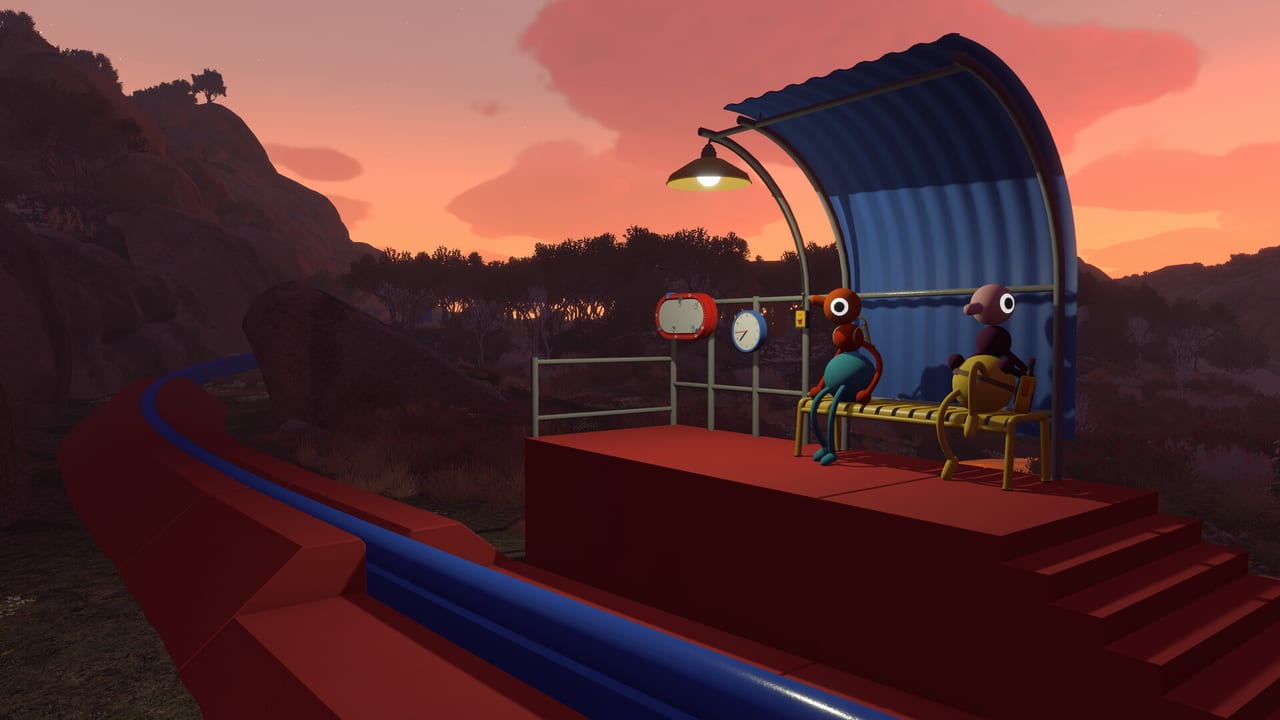
Big Walk ships with full crossplay across every platform House House and Panic support at launch: Steam (Windows and macOS), PlayStation 5, and Nintendo Switch 2. There is no Xbox release, and there is no skill-based matchmaking pool — you only play with people you invite. Crossplay means a PS5 explorer can stand next to a Steam player and a Switch 2 guest in the same handcrafted island, solving the same puzzles and hearing the same proximity voice fade as they walk apart.
This page is the platform reference: who can play with whom, which connection method to use, and what to expect when console voice chat behaves differently from PC.
Crossplay platform matrix
| Platform | Crossplay | Connect via | Online subscription |
|---|---|---|---|
| Steam (Windows) | Yes | Steam friends or Join Code | Steam account (no extra sub) |
| Steam (macOS) | Yes | Steam friends or Join Code | Steam account (no extra sub) |
| PlayStation 5 | Yes | PSN friends or Join Code | PS Plus required |
| Nintendo Switch 2 | Yes | Nintendo friends or Join Code | Nintendo Switch Online |
| Xbox | Not available | — | — |
All crossplay-enabled platforms share one logical pool: the host’s session. The host’s store and device do not restrict which guests may enter as long as guests meet their own platform’s online requirements.
How crossplay sessions start
Step 1 — Pick a host. The host owns the save. Choose someone with a stable connection who can open the game whenever the group plays. Guests do not carry independent campaign progress between platforms.
Step 2 — Host launches and enables crossplay. In online settings, confirm crossplay is toggled on. Hosts who disable it by accident will block mixed-platform joins even when the Join Code is correct.
Step 3 — Share connection info. Same-platform friends use platform friends lists when the host appears there. Everyone else uses the Join Code displayed in the host’s lobby. Post the code in your group chat; do not assume guests can guess it.
Step 4 — Guests join and verify voice. Successful joins place you in the host’s world near the session spawn. Test proximity chat immediately — walk a few meters apart and confirm volume drops. If voice fails on one platform, fall back to walkie-talkies in-game or agree on an external voice app before splitting up.
Return to the Join Codes Hub for a shorter checklist or Online Requirements for subscription details.
Friends list connections by platform
Steam: If the host and guest are Steam friends and the host is in an open lobby, the guest may join from the in-game friends panel without typing a code. This is the smoothest PC-to-PC path. Mac and Windows Steam clients interoperate.
PlayStation 5: PSN friends see the host when online in Big Walk. Invites follow standard PS5 party expectations. PS Plus is mandatory for online play on console.
Nintendo Switch 2: Nintendo friends can join similarly when both accounts are linked and online memberships are active. Built-in voice is more limited than on PS5 or PC; many groups pair Switch players with walkie-talkie tools or Discord on a phone.
Mixed platforms: Steam cannot friend-link directly to PSN or Nintendo. Those parties always use Join Codes (or platform-specific workarounds like sending the code through Discord). The code is platform-agnostic — a Switch guest typing a code from a Steam host still lands in the same world.
Voice chat across platforms
Proximity voice is not a cosmetic feature; it is a core mechanic. Voices get louder when you stand close, echo in caves, muffled through walls, and crackle when routed through walkie-talkie items. Crossplay does not unify voice quality — it only puts avatars in one space.
PC players with good headsets usually get the clearest positional audio. PS5 players benefit from DualSense mic or a wired headset. Switch 2 players should expect thinner chat options and plan gestures, flares, laser pointers, or external voice. Read Gestures & Arms before your first split-up puzzle so silent players can still direct the group.
Host saves and cross-progression
Crossplay is not cross-progression. Joining a Steam host from a PS5 account does not copy that world to your PS5 save. When the session ends, your PS5 install does not retain the host’s story state unless you later rejoin the same host.
Only the host’s file advances. If the group wants to swap hosts mid-campaign, expect to restart from the beginning on the new host’s save. See Host Saves for group policies that avoid losing weeks of exploration.
Common crossplay failures
Wrong or expired code: Ask the host to regenerate by restarting the lobby. Codes from yesterday’s closed session will fail.
Crossplay disabled: Host must toggle it on in settings; guests should also confirm they are not blocking cross-platform joins in OS-level privacy menus where applicable.
Missing subscription: PS5 without PS Plus or Switch without NSO cannot join online sessions even with a valid code.
NAT or firewall issues on PC: Steam friends may connect while Join Code fails if router settings block peer traffic. Wired Ethernet on the host helps.
Tutorial incomplete: New players who skip the movement tutorial sometimes disconnect when physics interactions confuse them — finish onboarding before crossplay night.
Party size and chaos scaling
Big Walk supports two to twelve players. Crossplay does not change the cap. Small groups feel like focused co-op; twelve-player lobbies turn the island into structured chaos. Proximity voice becomes harder to parse at twelve, so large crossplay groups should assign roles — navigator with binoculars, flare holder for regroups, walkie-talkie carrier for split teams.
Price and store parity
The game launches around $19.99 on supported stores with occasional launch discounts. Every platform gets the same crossplay feature set; you are not paying for a reduced multiplayer mode on console. You are paying for console online subscriptions separately where required.
Related pages
Connect codes and subscriptions on the Join Codes Hub. Mic and membership details live in Online Requirements. For movement and non-verbal communication once you are in, bookmark Controls Hub and Multiplayer Hub.
Frequently Asked Questions
Quick answers to the most common Big Walk questions.
Can Steam and PS5 players play together?
Yes. The host shares a Join Code or same-platform friends join via their respective friends lists when applicable. Enable crossplay in online settings on the host side.
Is Xbox supported for crossplay?
No. Big Walk launches on Steam, PS5, and Switch 2 only. Xbox players cannot join any session.
Does crossplay include cross-save?
No. Crossplay joins one active session. Your personal progress is not synced across Steam, PS5, and Switch 2 accounts.
Why can my Steam friend join but my PS5 friend cannot?
Same-platform friends use platform lists; PS5 friends need PS Plus and a valid Join Code if they are not on your PSN friends list. Verify subscriptions and the latest code.
Can Mac and Windows Steam players mix?
Yes. Both use Steam crossplay and the same Join Code flow as other platforms.
Do all platforms need the same game version?
Yes. After patches, everyone should update before joining; version mismatches can block connections or cause desync on physics puzzles.